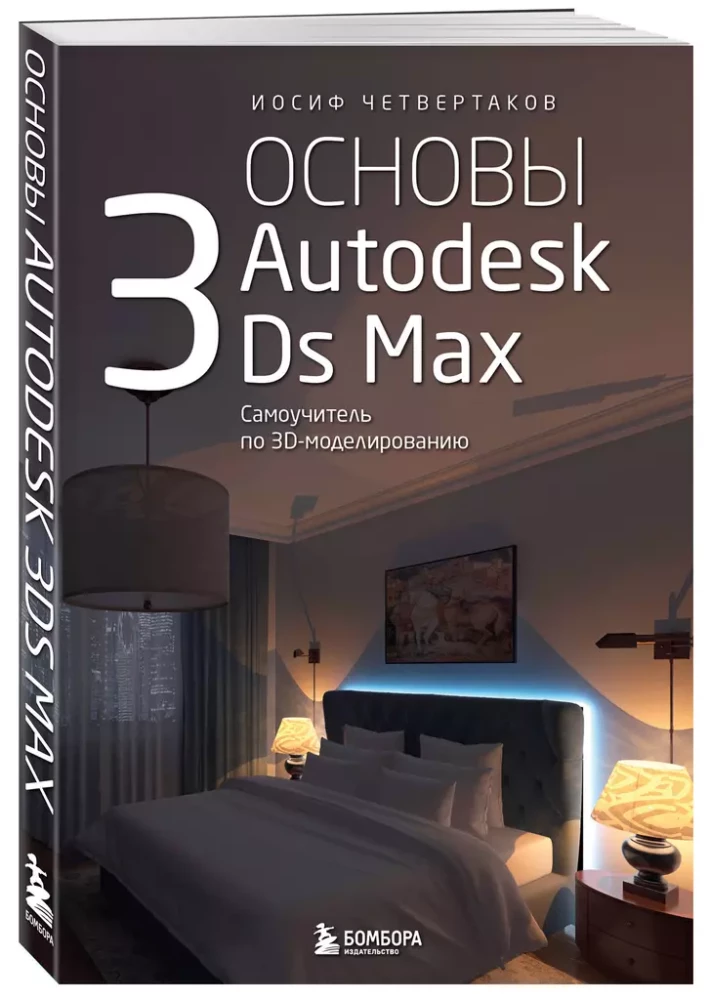

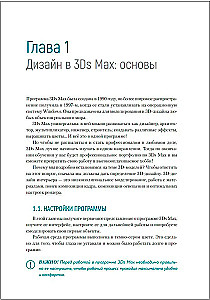
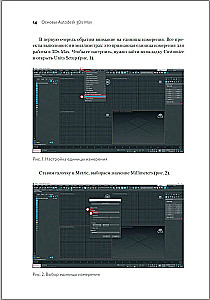
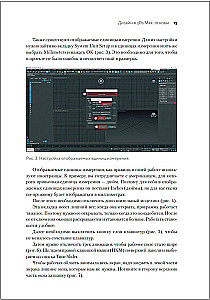
Basics of Autodesk 3Ds Max. Self-Study Guide for 3D Modeling
Author: Иосиф Четвертаков
Printhouse: Eksmo
Series: Russian computer bestseller
Age restrictions: 12+
Year of publication: 2024
ISBN: 9785042038211
Number of pages: 352
Size: 233x162x19 mm
Cover type: soft
Weight: 560 g
ID: 1680670
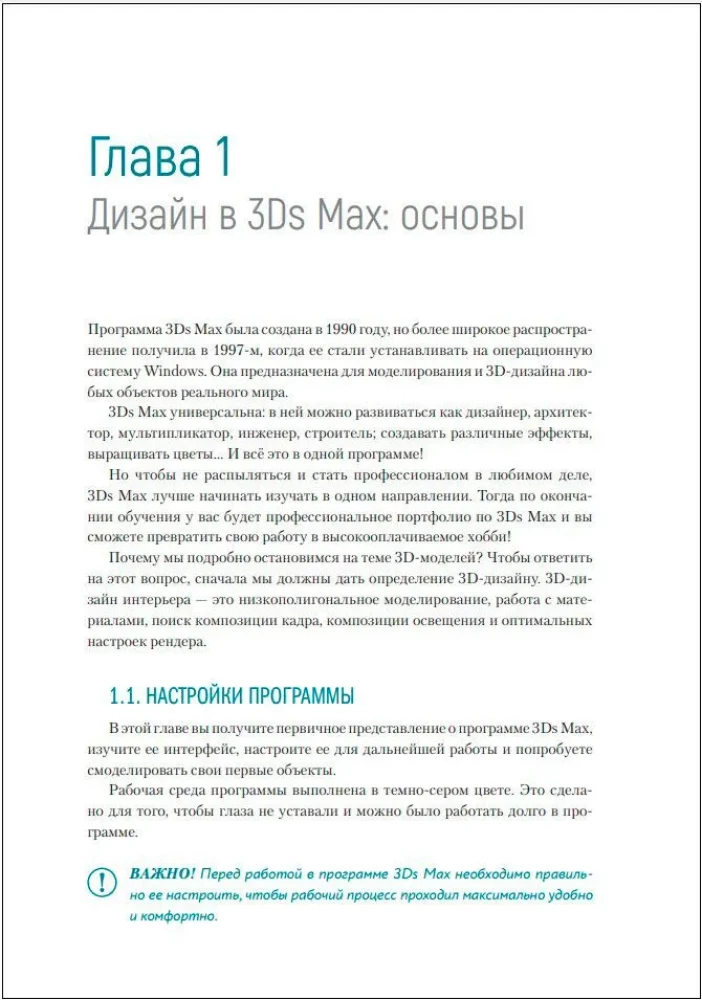
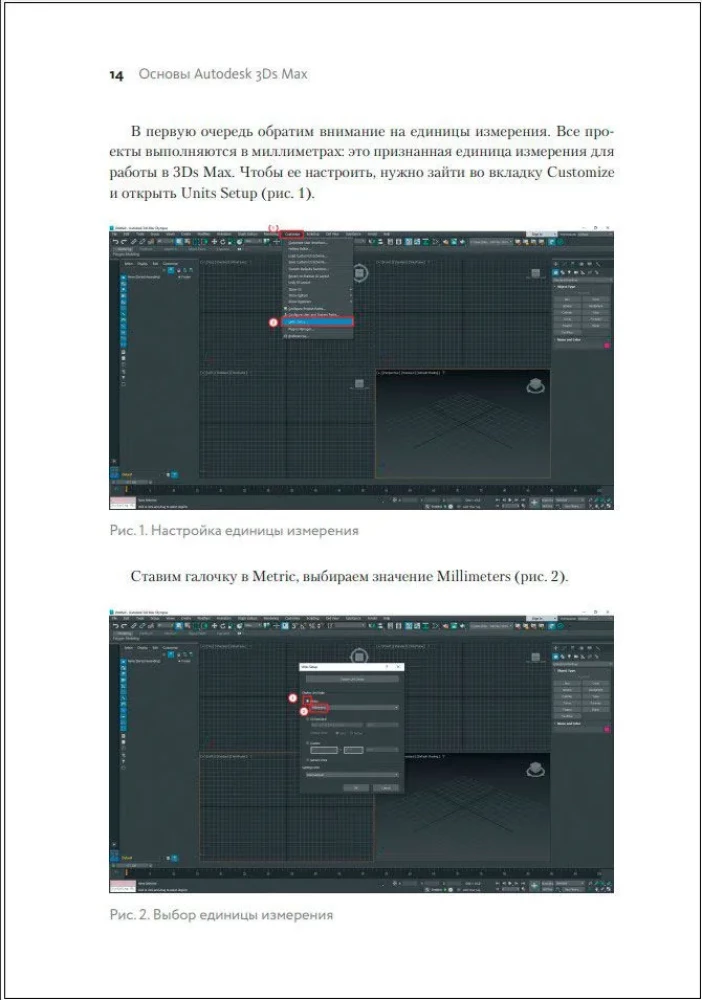
Basics of 3Ds Max for beginner designers. This methodical guide is developed based on many years of experience teaching students how to use the Autodesk 3Ds Max 3D modeling program. It is a detailed guide to interior visualization with full immersion in the world of 3D graphics. With the help of tasks and examples, you will learn how to: • set up the program; • use the basic tools of 3Ds Max and hotkeys; • model simple elements and complex objects; • create volumetric interior scenes; • realistically convey texture and color, play with light and shadow; • see and correct design mistakes; • apply skills in practice. About the author Iosif CHETVERTAKOV — founder of the 3D design school, art director, and teacher with an impressive track record, whose experience will be valuable not only to beginners mastering the basics of 3D design but also to professionals looking to systematize their knowledge and improve their skills. He has been working on projects created in 3Ds Max, Adobe Photoshop, and ArchiCAD for over 20 years. "3Ds Max is a large, seemingly complex, and intimidating program for beginners. It is unclear what to do and in what sequence, where to start, and whether the intended results will be achieved... This creates a psychological barrier that hinders the start of learning. In fact, I have not yet encountered a more convenient and visually clear step-by-step manual. Each stage of work is accompanied by screenshots and pointers, which makes the lessons understandable and comfortable, and most importantly — the book can be used as a cheat sheet." — Alexey KASHIN, art director of the design studio 'Batisfera'
Bestsellers















Publishers "Eksmo" recommends