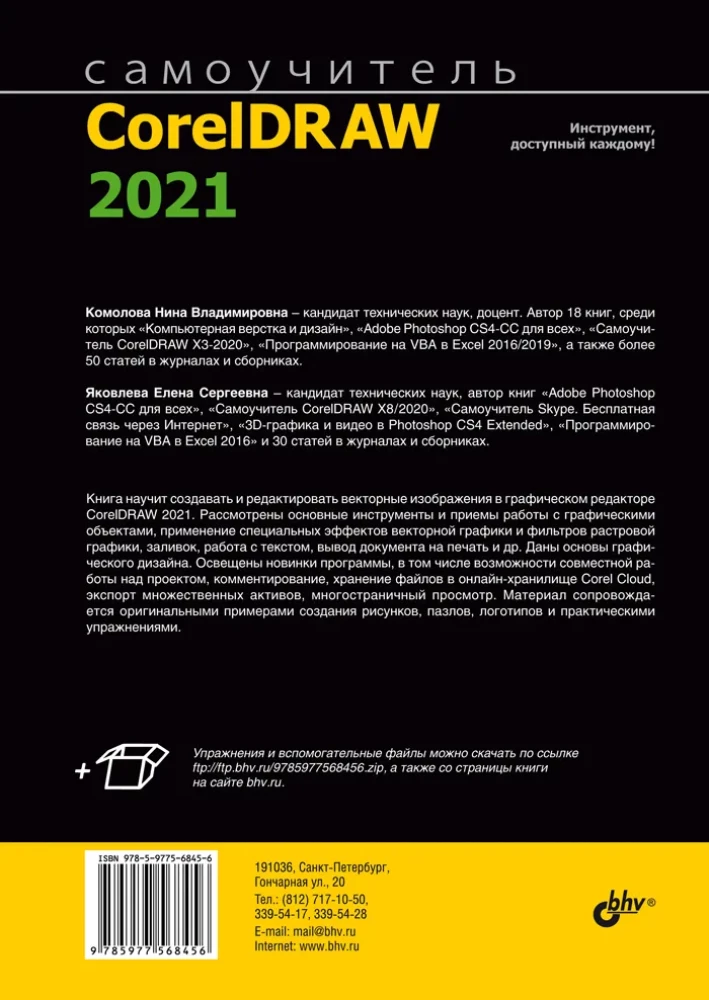
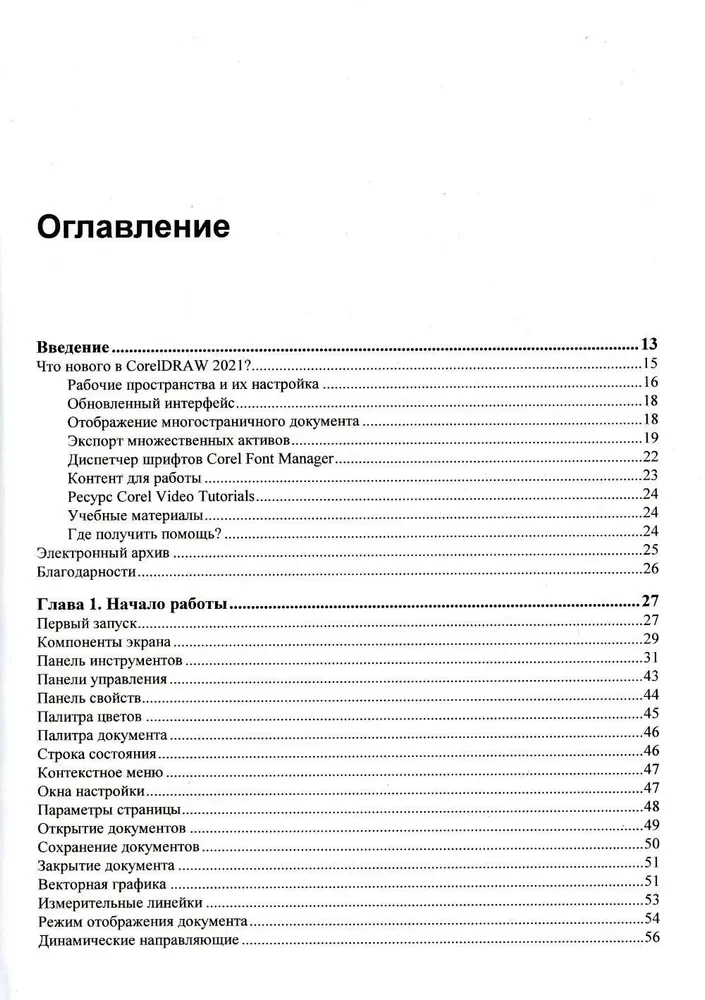
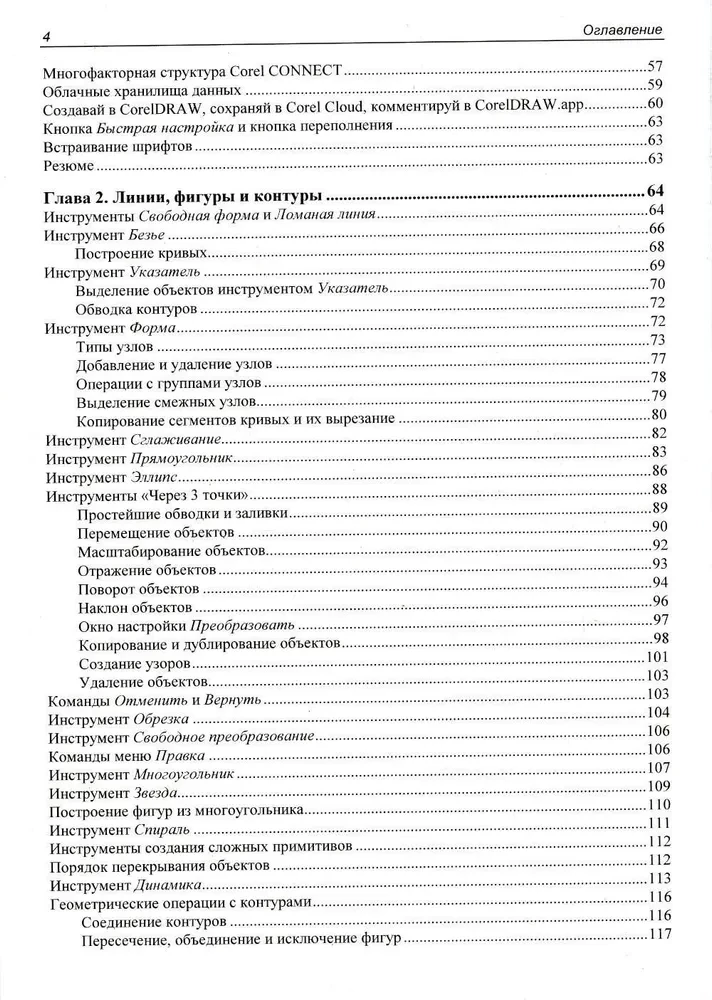
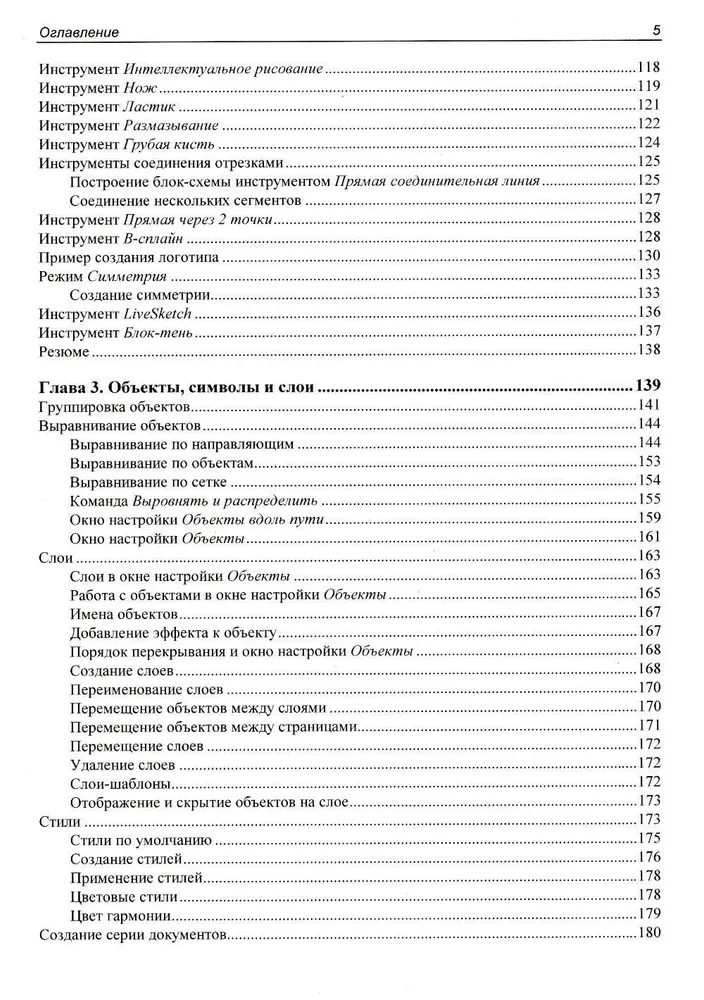
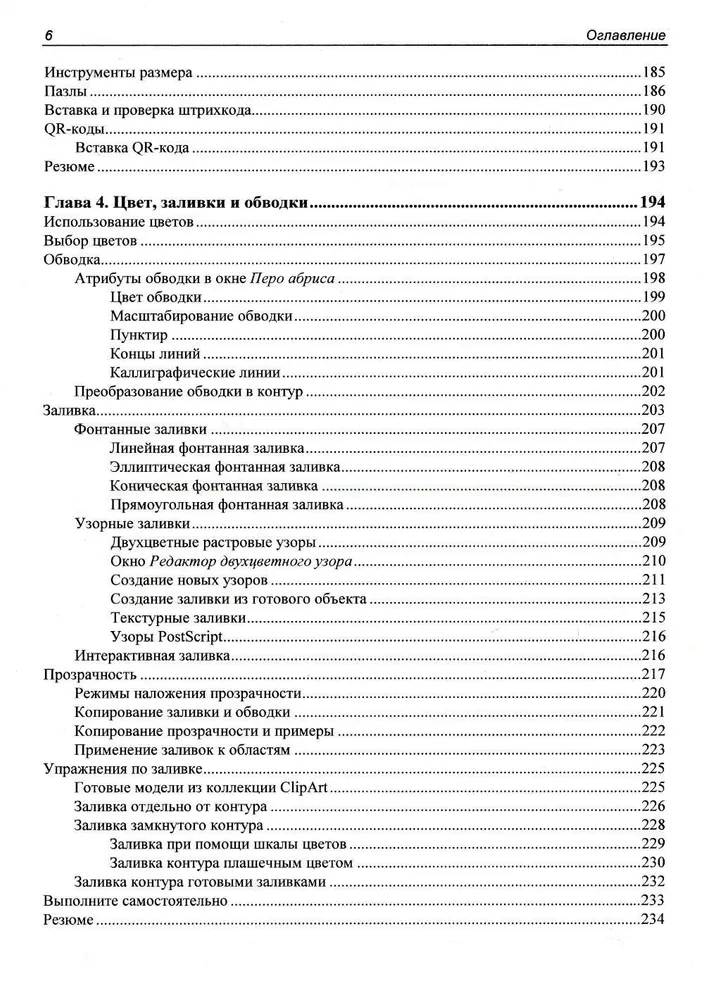
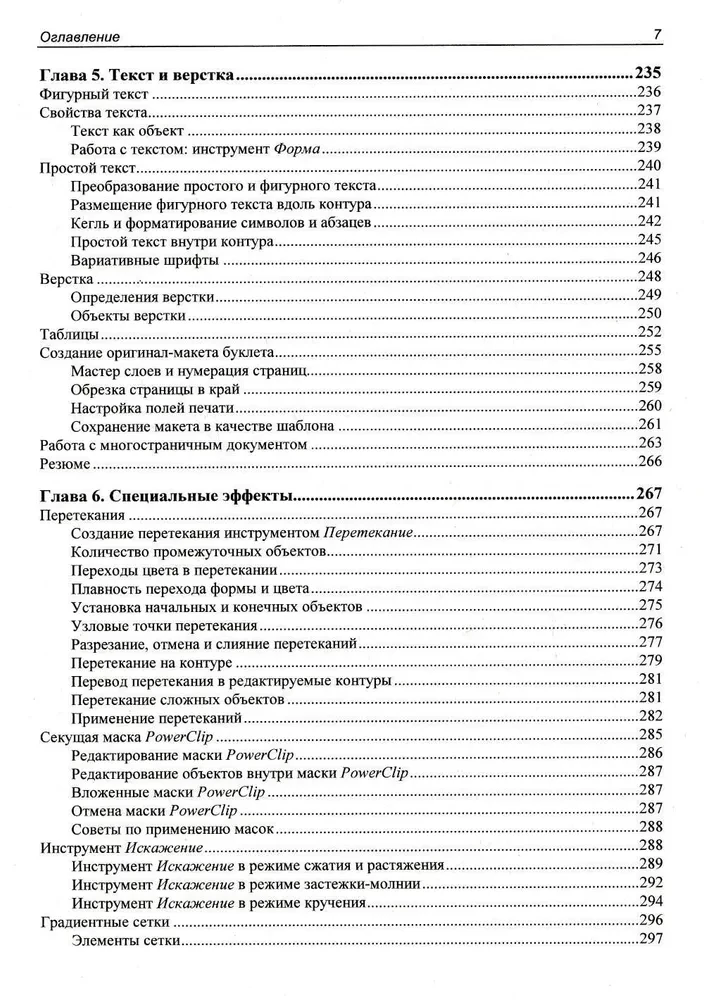
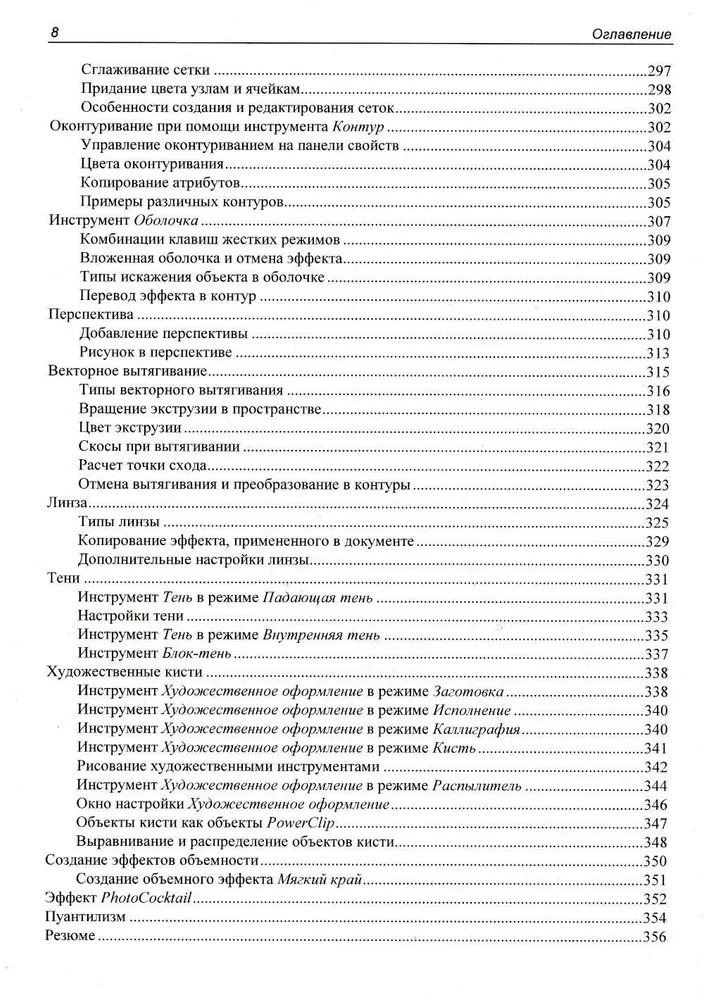
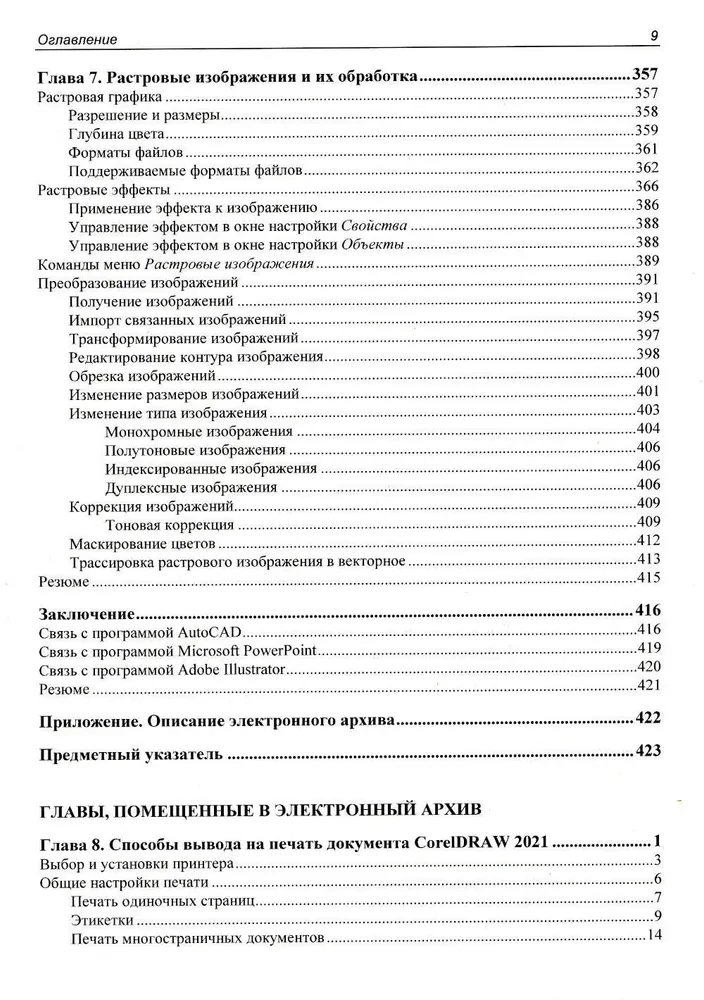
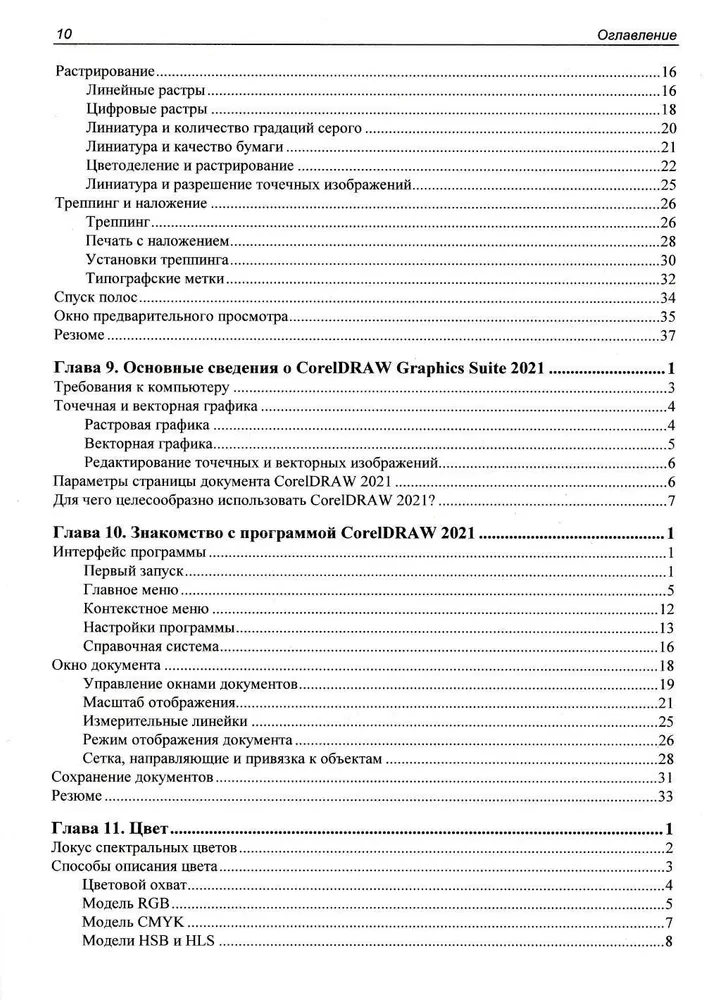
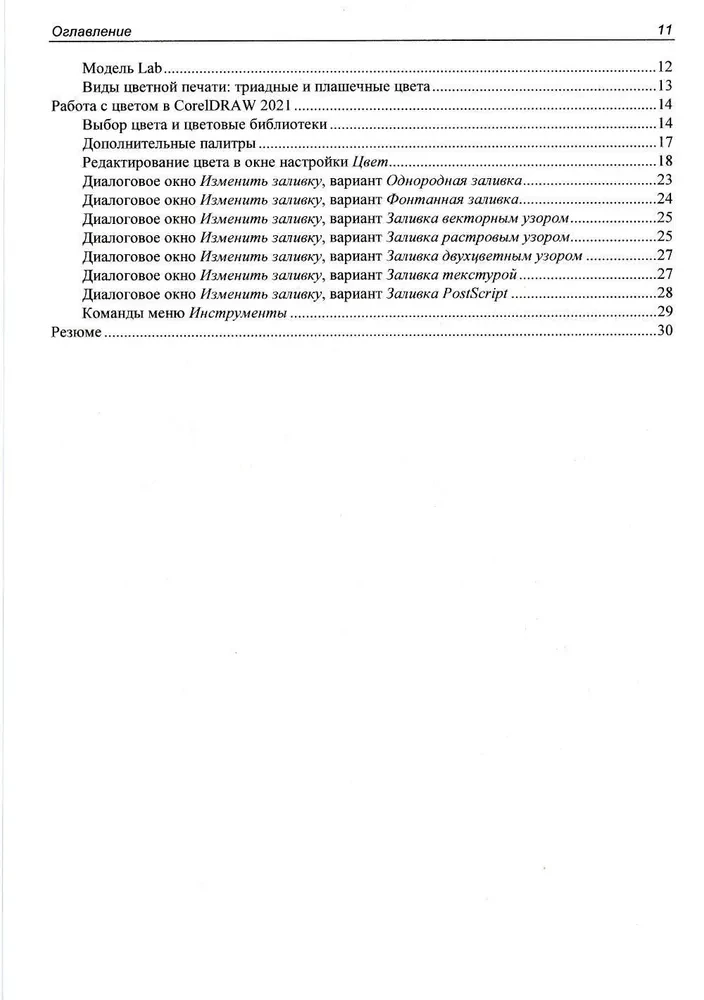
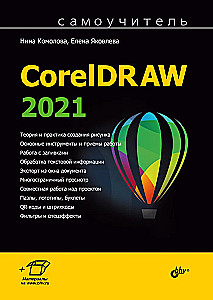
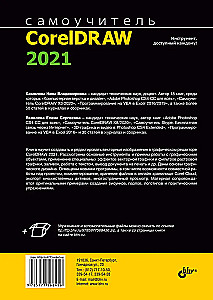
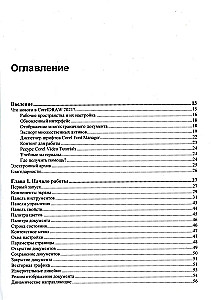
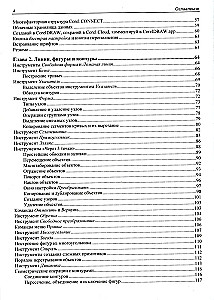
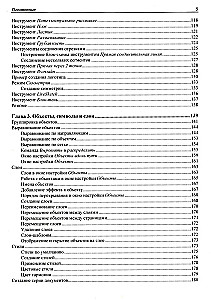
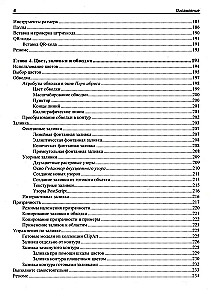
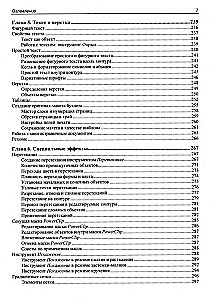
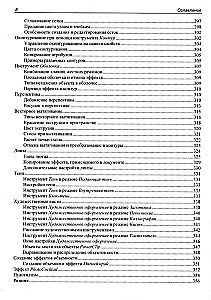
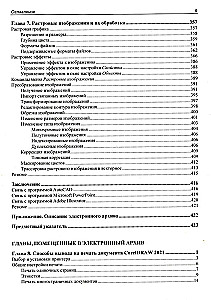
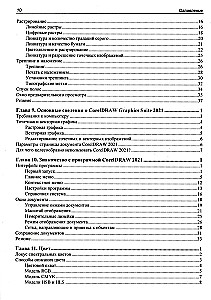
The book will teach you how to create and edit vector images in the graphic editor CorelDRAW 2021. It covers the basic tools and techniques for working with graphic objects, fills, applying special effects and raster graphics filters, working with...
text, printing documents, importing, exporting, file compatibility, transitioning to the CorelDRAW.app for collaborative work, storing files in the Corel Cloud online storage, exporting multiple assets from the document window, and multi-page viewing. The fundamentals of graphic design are provided. The material is accompanied by original examples of creating puzzles, logos, QR codes, barcodes, and other objects, along with practical exercises. The publisher's website contains exercises and auxiliary files.
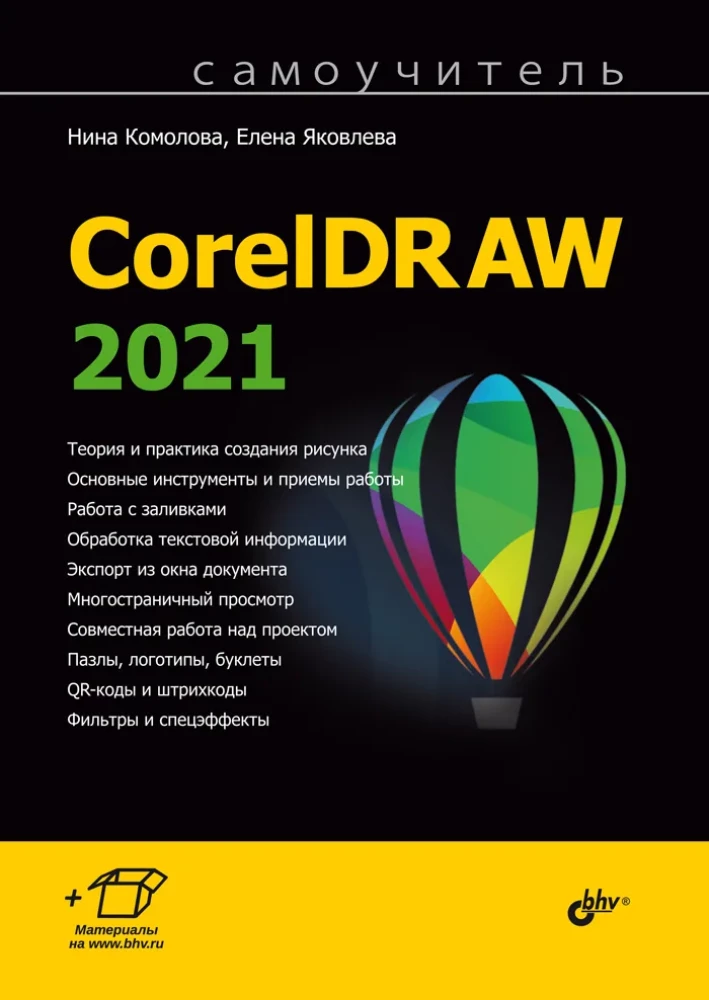
The book will teach you how to create and edit vector images in the graphic editor CorelDRAW 2021. It covers the basic tools and techniques for working with graphic objects, fills, applying special effects and raster graphics filters, working with text, printing documents, importing, exporting, file compatibility, transitioning to the CorelDRAW.app for collaborative work, storing files in the Corel Cloud online storage, exporting multiple assets from the document window, and multi-page viewing. The fundamentals of graphic design are provided. The material is accompanied by original examples of creating puzzles, logos, QR codes, barcodes, and other objects, along with practical exercises. The publisher's website contains exercises and auxiliary files.
Be the first to know about our current discounts, offers and new products!
Check icon
You have added to your basket
Check icon
You have added to favourites
Sold out
The item is currently out of stock.
In stock
Available in warehouse. You will receive the exact delivery date from the operator after the order confirmation.
To order
The product is delivered directly from the publisher. The order processing time is up to 14 days, you will receive the exact delivery date from the operator after the order confirmation.