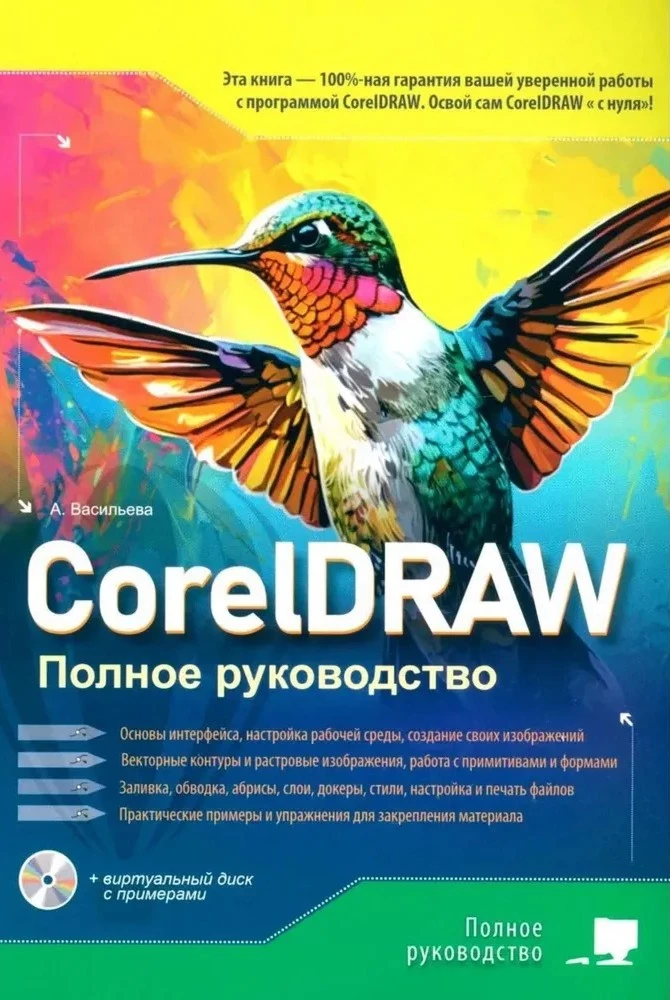
CorelDRAW. Complete Guide
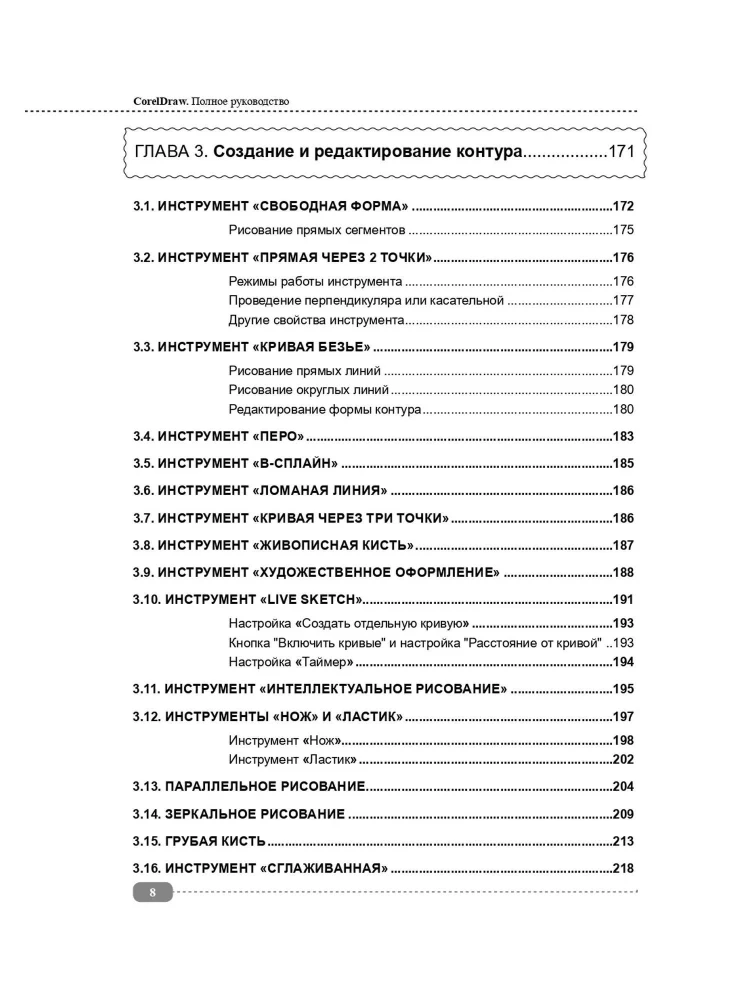
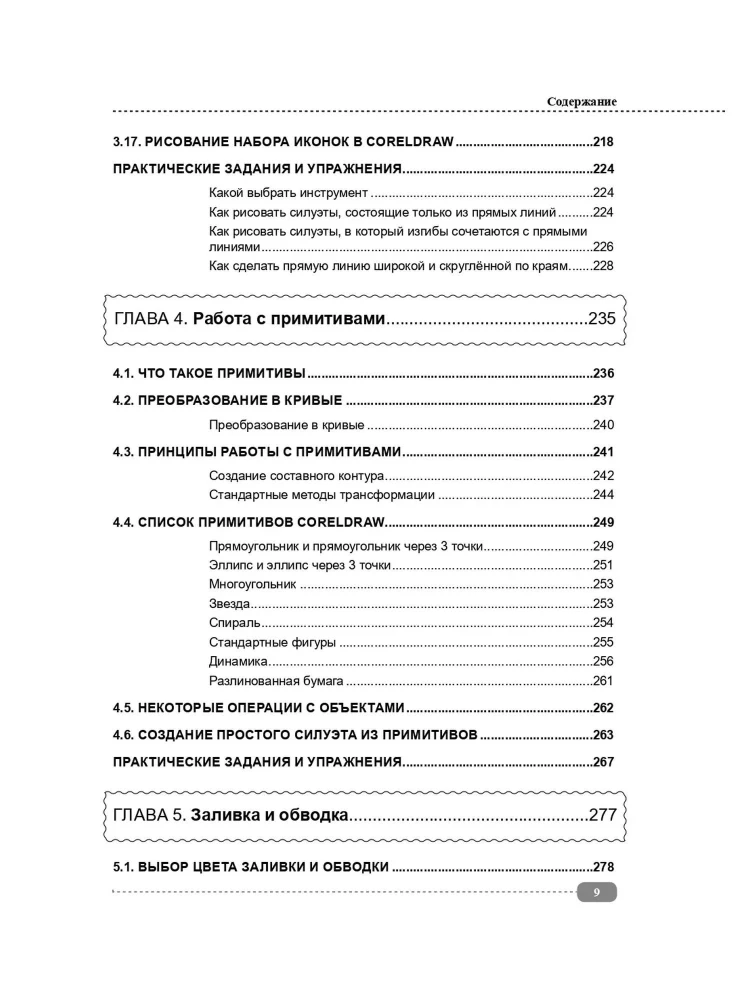
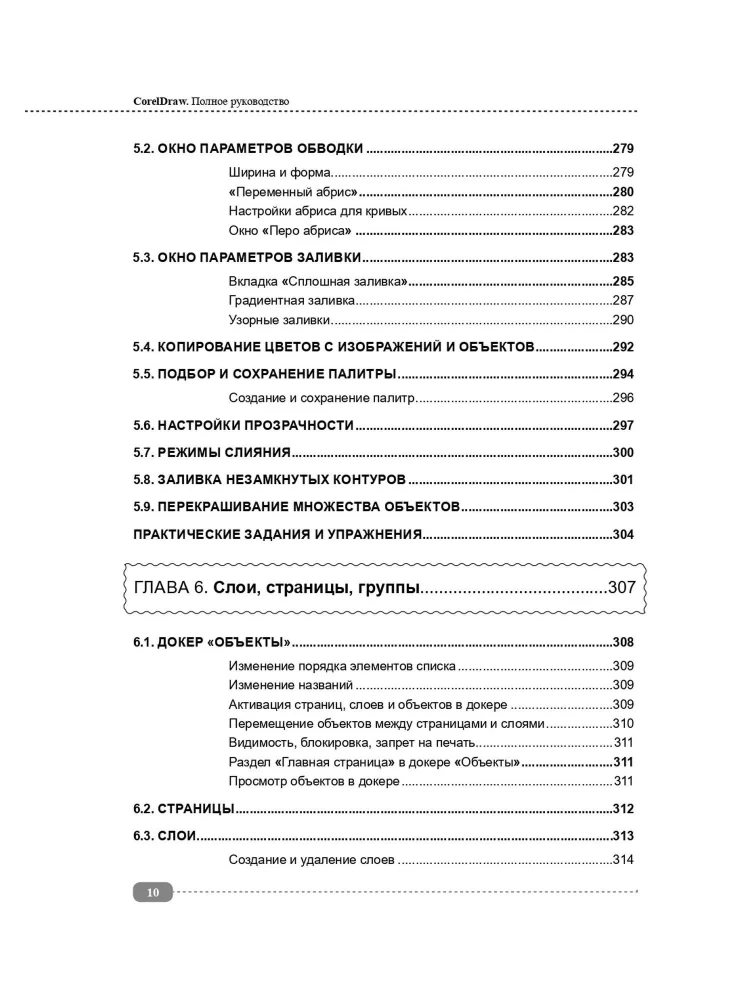
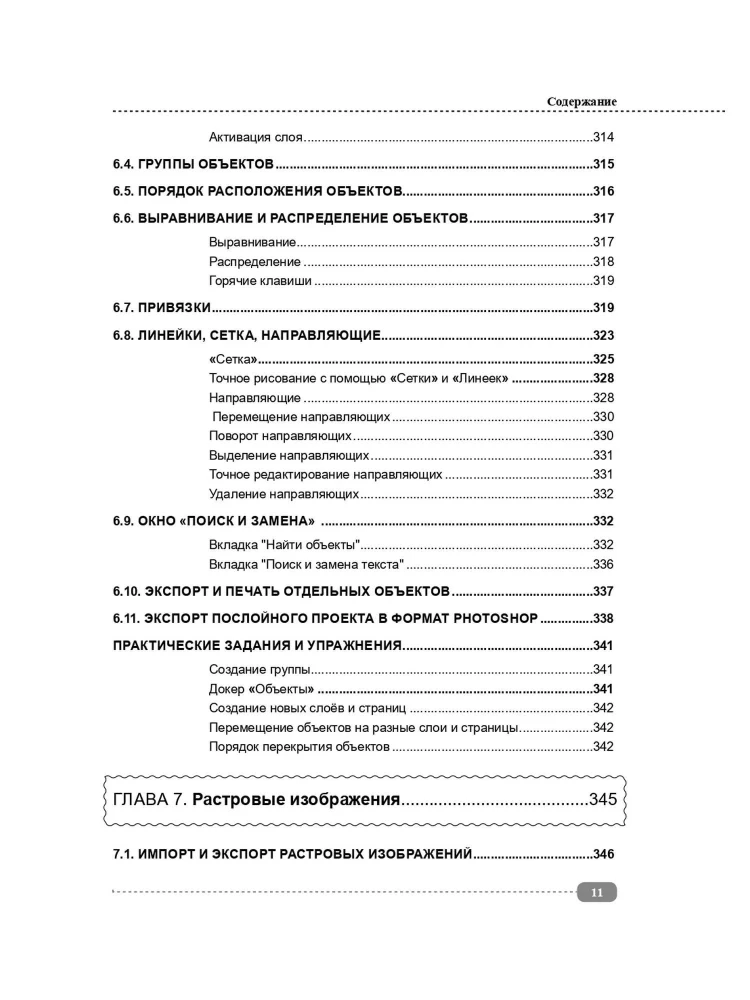
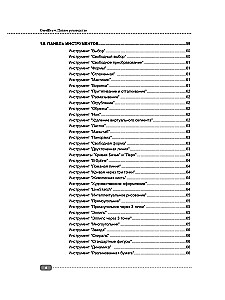
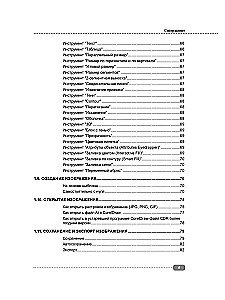
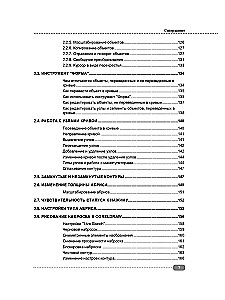
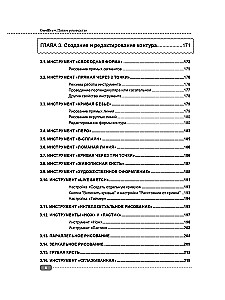
This book will be an excellent aid for learning the free and multifunctional editor CorelDRAW and is intended for both absolute beginners and users who already have some experience in vector graphics. The material will be presented from simple to...
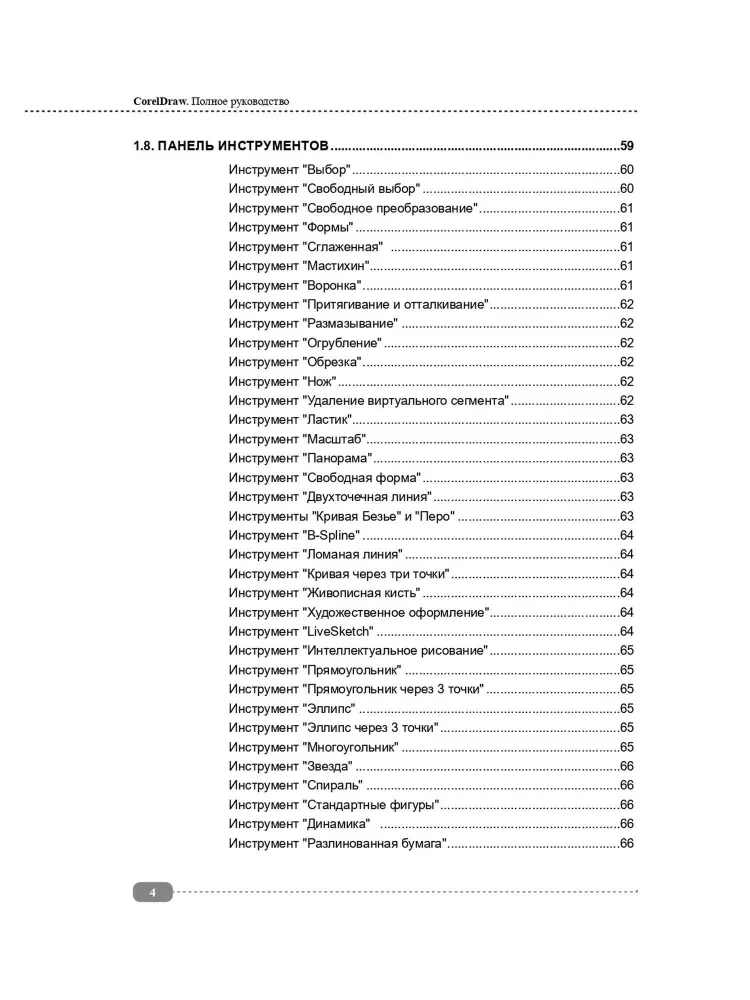
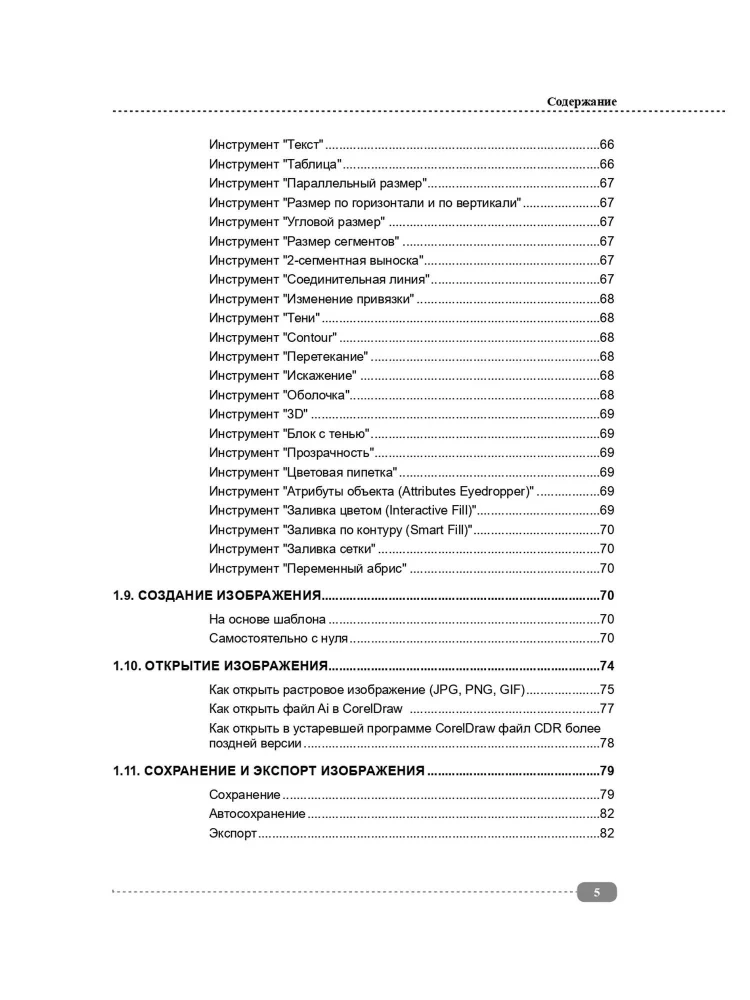
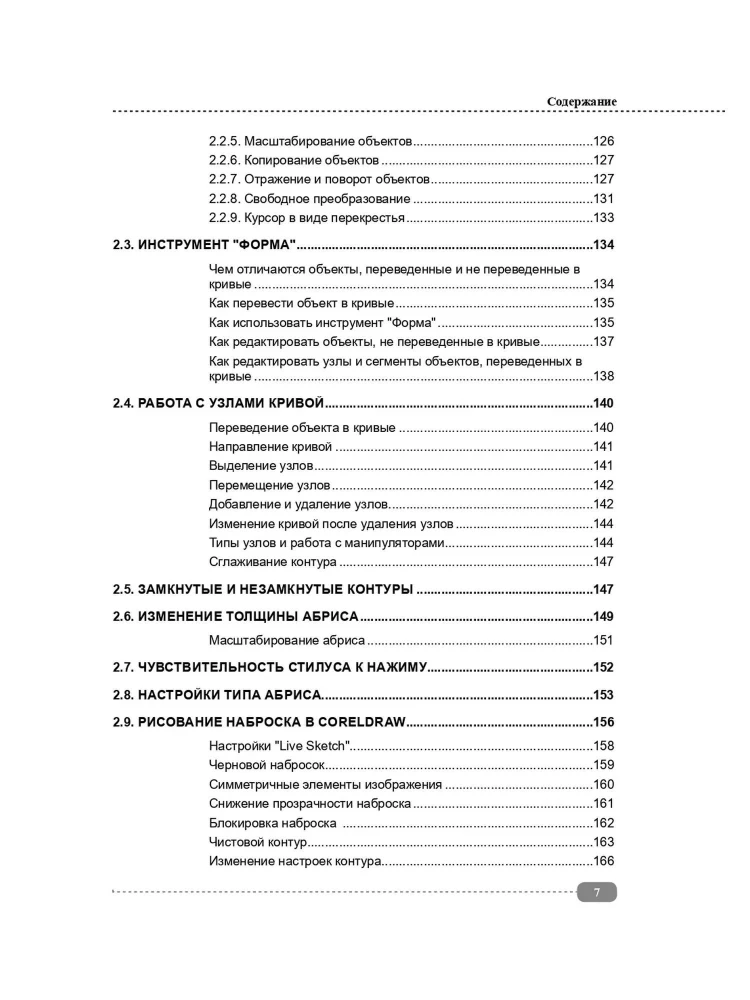
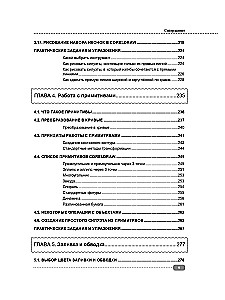
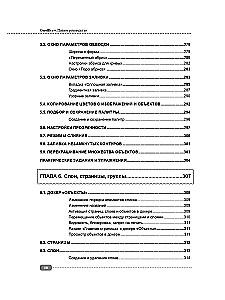
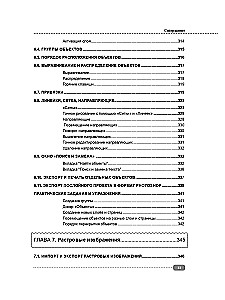
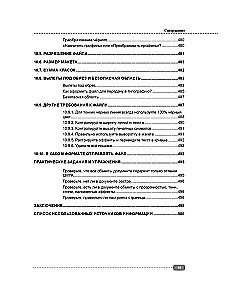
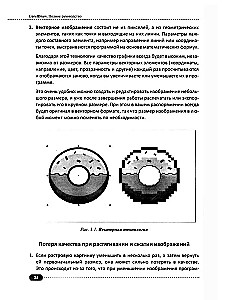
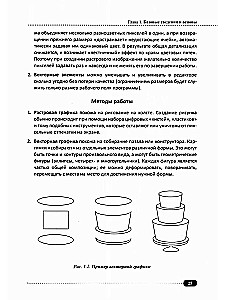
complex: we will start by studying the program interface, learn to create and edit outlines (and draw our first sketches), work with vector and raster images, as well as customize the appearance and position of various interface elements for more comfortable work. Next, we will move on to studying primitives (from simple silhouettes to complex shapes), understand filling, strokes, and outlines, work with layers, dockers, pages, groups, styles, and symbols. Special attention will be paid to various methods of processing raster images, we will learn to vectorize raster and rasterize vector, find out everything about working with text in CorelDRAW, how to properly prepare, customize, and print your projects (both at home and in print shops or online).
Each chapter contains numerous step-by-step examples, practical tasks, and exercises to reinforce the material, as well as tips and recommendations for effective work in CorelDRAW. The version of the book is suitable for both the very latest versions and earlier versions of the program, and the virtual disc with examples from the book will help to practically see the solution to various tasks.
Each chapter contains numerous step-by-step examples, practical tasks, and exercises to reinforce the material, as well as tips and recommendations for effective work in CorelDRAW. The version of the book is suitable for both the very latest versions and earlier versions of the program, and the virtual disc with examples from the book will help to practically see the solution to various tasks.
Author: Ангелина Васильева
Printhouse: Nauka i tekhnika
Series: Complete Guide
Age restrictions: 12+
Year of publication: 2025
ISBN: 9785907592742
Number of pages: 532
Size: 230х165х22 mm
Cover type: soft
Weight: 470 g
ID: 1740412
Sold out
€ 21.79
Sold out
€ 21.79
Bestsellers








€ 13.29
In stock
12 Weeks in a Year. How to Achieve More in 12 Weeks Than Others Do in 12 Months
Майкл Леннингтон, Брайан Моран

€ 7.89
In stock
Choice. On the Freedom and Inner Strength of a Person
Эдит Ева Эгер, Эсме Швалль-Вейганд





€ 6.99
In stock