
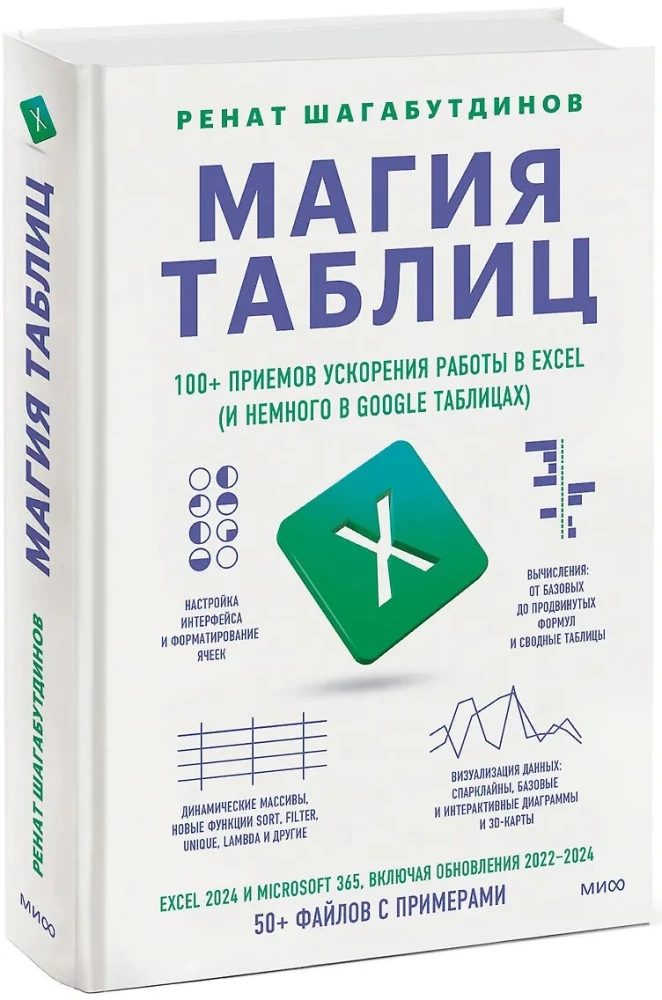

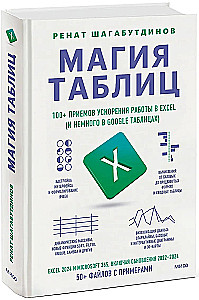
The Magic of Tables. 100+ Techniques to Speed Up Work in Excel (and a Little in Google Sheets)
Author: Ренат Шагабутдинов
Printhouse: Mann, Ivanov i Ferber
Series: Out of series
Age restrictions: 16+
Year of publication: 2025
ISBN: 9785002503377
Number of pages: 528
Size: 242х168х28 mm
Cover type: hard
Weight: 776 g
ID: 1709725
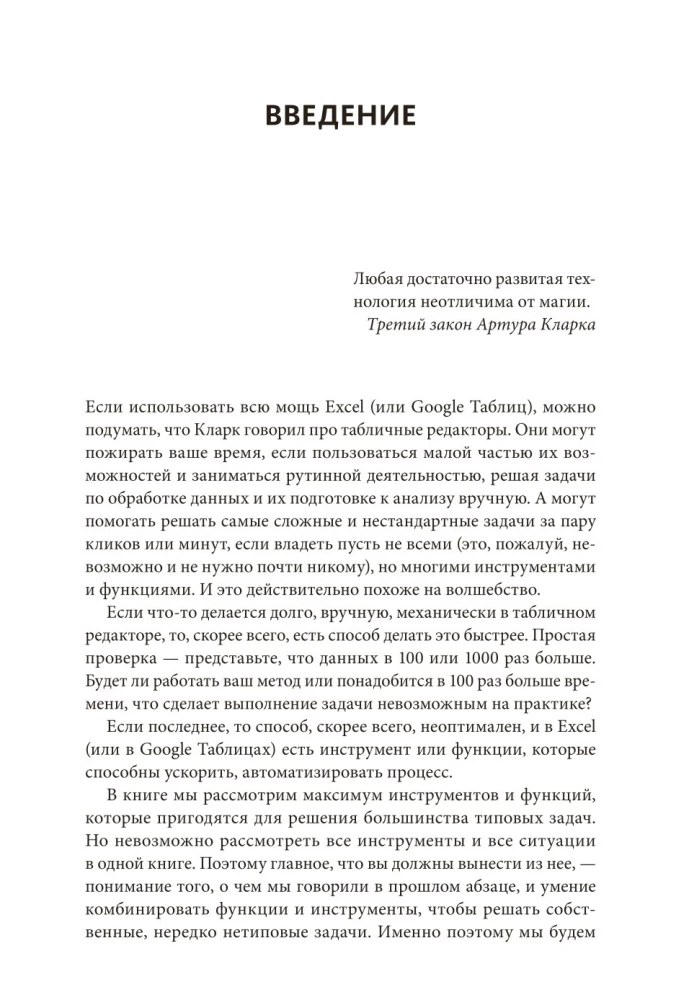
A detailed and interesting guide with the latest tools that will help you understand all the possibilities of Excel and Google Sheets.
You will find over 100 functions, tools, nuances, and shortcuts, examples from real-life practice with an engaging narrative. Also, a bonus: links to Excel books for self-practice.
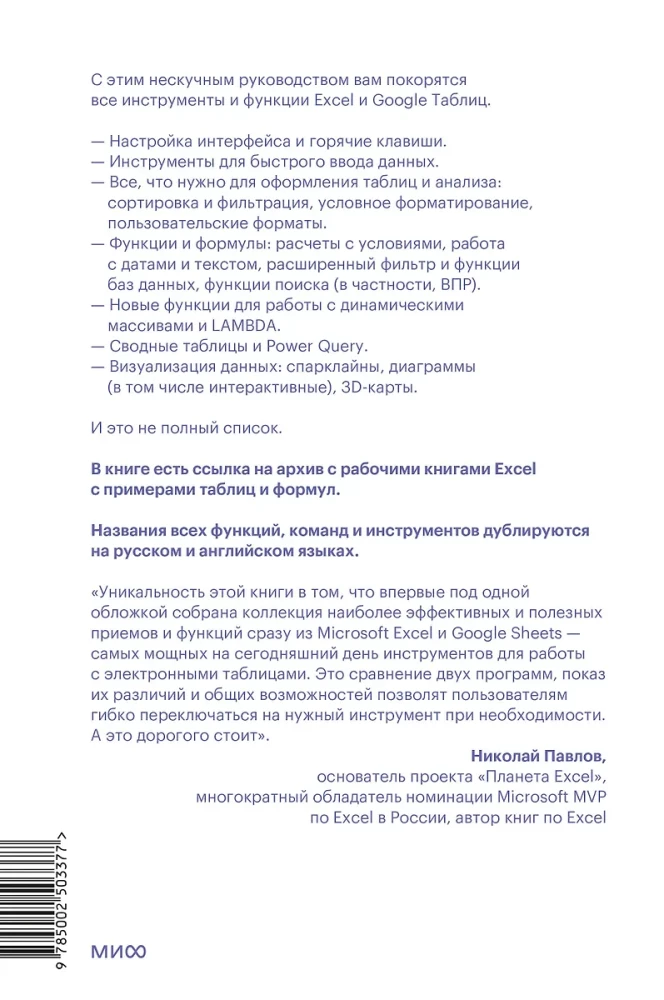
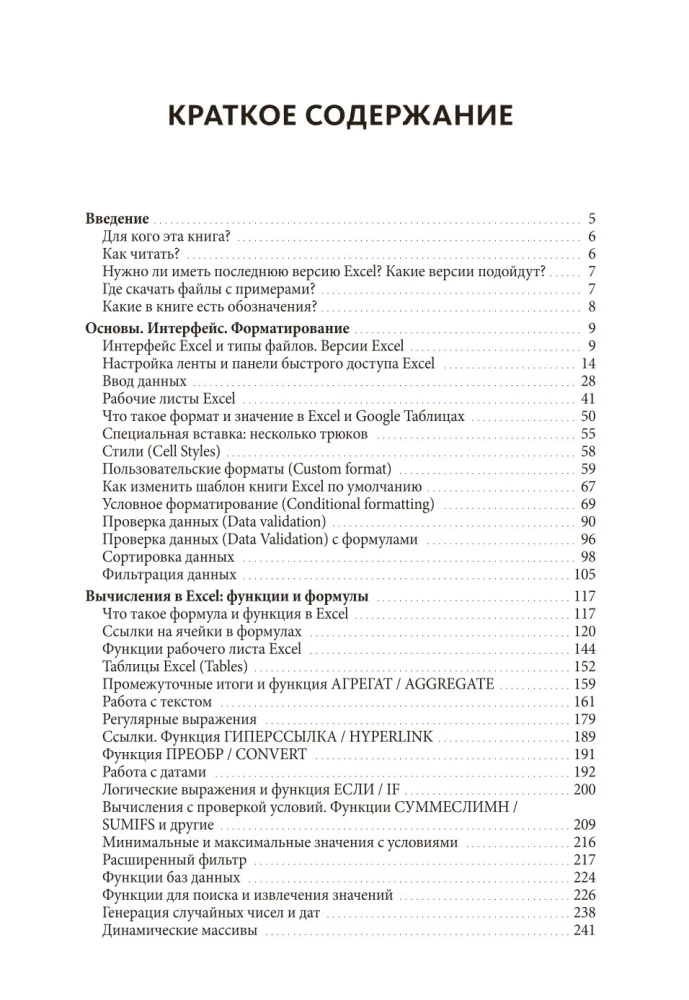
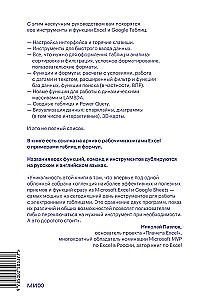
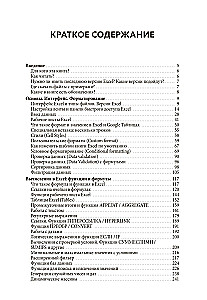
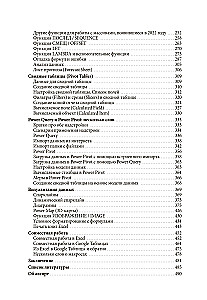
What's in the book:
— Interface setup and keyboard shortcuts
— Tools for quick data entry
— Everything you need for formatting tables and analysis: sorting and filtering, conditional formatting, custom formats
— Functions and formulas: calculations with conditions, working with dates and text, advanced filter and database functions, lookup functions (in particular, VLOOKUP)
— New functions for working with dynamic arrays and LAMBDA
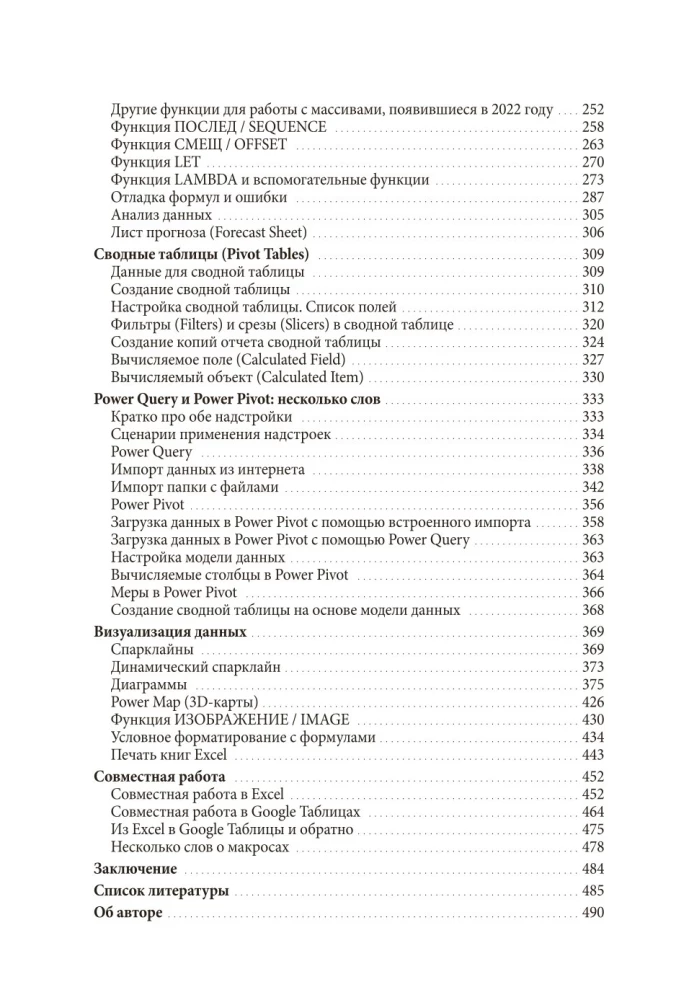
— Working with pivot tables
— Power Query add-in
— Data visualization: sparklines, charts (including interactive ones), 3D maps
— Collaboration in Excel and Google Sheets
And this is not a complete list.
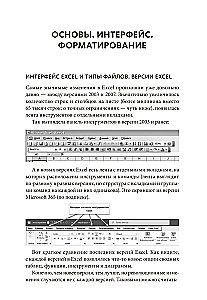
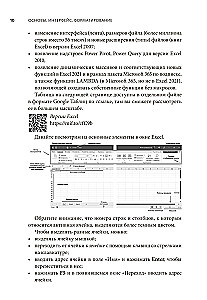
As examples, not only screenshots from real work practice with notes and comments are provided. The book includes a link to example files — Excel workbooks where you can practice independently and work with the formulas and tables from the book.
Features of the book
Hundreds of functions and tools: from basics to advanced techniques
Life hacks and keyboard shortcuts
All explanations are accompanied by screenshots with the author's comments and example files
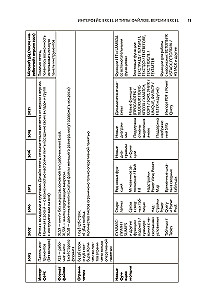
For all tools and functions, there is clarification on which versions of Excel they are available in and whether they are in Google Sheets
The names of all functions, commands, and tools are duplicated in Russian and English
Who the book is for
For beginners and experienced users of Excel and Google Sheets.
For anyone who wants to understand the capabilities of Excel and Google Sheets, master unexpected ways to simplify their work, and learn a lot of new things.
The book is also suitable for those working in an English-language interface.
Bestsellers
















Publishers "Mann, Ivanov i Ferber" recommends